LunchLink workplace catering guide
Food delivery apps vs. corporate catering
Compare food delivery apps with corporate catering for office meals, team lunches, meetings, and repeat workplace orders.
LunchLink Editorial Team
Research and writing
LunchLink Catering Planning Team
Operational review
Direct answer
The short answer
Use a food delivery app when the team mainly needs individual choice from one participating restaurant and can work inside a shared cart, a spend cap, and the platform's current ordering rules. Use corporate catering when the workplace needs one coordinated brief covering delivery-to-room details, named or dietary meals, setup, invoice handling, larger-group planning, or a repeatable meal workflow that should not depend on every attendee joining one app order correctly.
At a glance
Key takeaways
- Food delivery apps work best when individual selection is the main need and the workplace can accept the platform's ordering flow.
- Corporate catering becomes stronger as the meal adds delivery-to-room detail, labelled meals, setup, invoice handling, or repeat coordination.
- The better route is the one that reduces coordination risk for the actual workplace meal, not the one with the shortest checkout.
- Choose the workflow first, then compare current menus, cutoffs, labels, fees, and handoff details on the same brief.
Start with the job the workplace meal needs to do
A group meal can be a fast one-time lunch, a boardroom session with fixed seats, a training day with protected dietary meals, or a recurring office program that needs one operating owner. Those are different planning jobs even if everyone is eating at noon.
Food delivery apps are usually built around a shared ordering link, a participating restaurant, and a checkout flow that collects individual items into one group order. Corporate catering starts from the workplace brief instead: headcount, serving format, delivery route, room, dietary handoff, setup, payment path, and the operational limits of the selected provider.
- Is this a one-time meal or a repeat workplace routine?
- Does the team need individual choice or one confirmed menu?
- Will food be handed out at seats, from a shared table, or from a buffet line?
- Who owns the final count, labels, delivery instructions, and payment approval?
When a food delivery app is usually enough
A delivery app can be the simpler route when the office is ordering from one participating restaurant, employees are comfortable joining a shared order, and the organizer does not need much beyond the current app workflow. That often suits smaller team lunches, lighter individual-choice meals, or short-notice orders where the platform already supports the chosen restaurant and address.
Current app help documentation also shows why this route still needs structure. Group-order tools typically ask the organizer to choose the restaurant, share an invite link, set the address, and manage deadlines, payment, or spend limits before checkout. The convenience is real, but the team is still relying on participants, platform rules, and one live cart to come together on time.
- One participating restaurant already fits the team well enough
- Individual selection matters more than a tightly managed shared format
- The office can work inside a share-link, cart, and checkout deadline
- The organizer does not need a separate setup, serviceware, or invoice workflow
When corporate catering earns its role
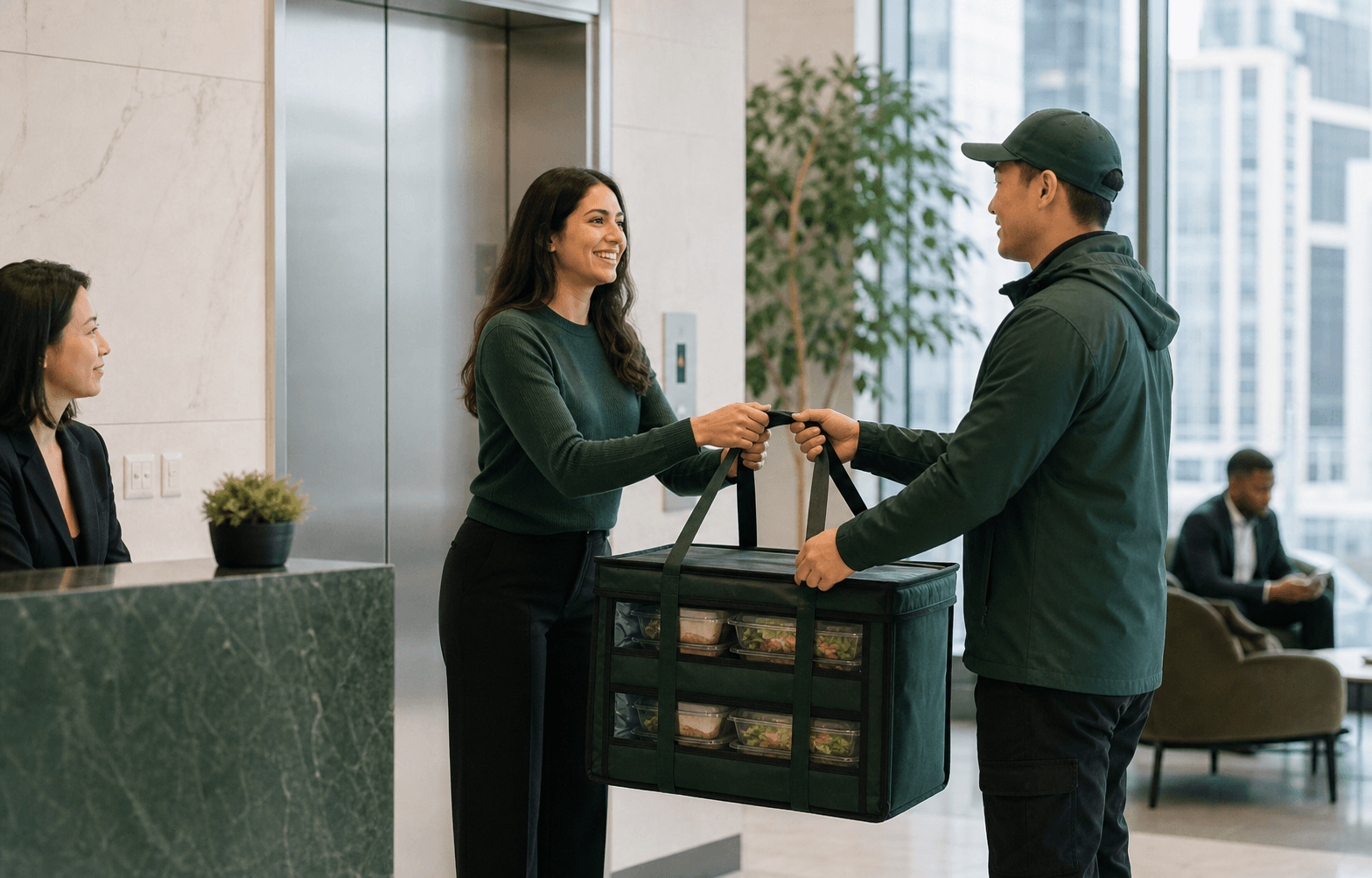
Corporate catering is stronger when the meal needs coordination beyond item selection. That includes boardroom lunches, training days, conferences, receptions, larger guest counts, labelled dietary meals, setup surfaces, loading or reception instructions, or a billing and approval path that should stay consistent even if the menu changes.
The difference is not just scale. A 20-person executive lunch with fixed dietary seats may need more structured coordination than a casual 40-person team order. Corporate catering lets the organizer confirm one brief in writing and ask the provider to validate the format, quantities, arrival window, labels, serviceware, and responsibilities instead of hoping those details survive a consumer-style checkout flow.
- The room, building access, or setup route matters
- Dietary or named meals need protected labels and handoff
- The office needs centralized invoicing, POs, or one approval path
- The meal may need a fallback if the first option cannot proceed
Compare the workflows by operational pressure points
The practical question is not whether one route is more modern. It is which route handles the riskiest part of the meal. For some teams that risk is individual choice and spend control. For others it is getting labelled meals to the correct room on time with one accountable contact.
Compare the real pressure points before comparing photos or cuisine names. Ask where the order can fail: missing participants, late checkout, unclear labels, weak building instructions, split payment friction, no setup plan, or no backup if the first route changes.
| Decision factor | Food delivery app workflow | Corporate catering workflow |
|---|---|---|
| Ordering model | Shared cart or linked individual selections inside the platform's current flow. | One written workplace brief confirmed against the selected provider's current capabilities. |
| Menu choice | Strong when employees want to choose their own items from one participating restaurant. | Strong when the organizer needs the right format, quantities, and service plan before final menu lock. |
| Dietary and labels | May work when each person orders accurately and the platform flow suits the need. | Stronger when labelled meals, substitutions, ingredient questions, and protected handoff need coordination. |
| Delivery handoff | Address and instructions live inside the platform checkout. | Building access, room, setup point, receiver, and timing can be confirmed as part of the brief. |
| Billing | Can support split billing or company payment within the platform's available rules. | Can support one commercial review covering quote, invoice, fees, serviceware, and related terms. |
| Repeat orders | Works when the same app flow stays workable and the team accepts its participation model. | Stronger when the office needs a repeatable meal program with rotation, cutoffs, and one operating owner. |
Use repeat workplace orders as the separation line
A one-time app order and a recurring office meal are not the same operational system. Repeating meals create attendance patterns, dietary updates, menu fatigue, building habits, invoice cadence, and feedback loops. Even when an app offers recurring group-order features, the office still has to decide whether that platform flow is sufficient for the program it wants to run.
If the workplace needs daily, weekly, or monthly meals, recurring corporate catering is usually the cleaner decision frame. The planner can separate invitation rules, attendance deadlines, delivery windows, menu rotation, and billing from the urgency of any one cart checkout.
Make the decision with one comparable brief
Write the same core brief before testing either route: date, eating time, exact address, room, headcount, protected meals, budget range, serving format, delivery route, receiver, payment path, and the latest acceptable decision time. That keeps the comparison honest.
If a food delivery app can handle the brief cleanly, it may be enough. If the brief exposes risks around labels, setup, building access, billing, scale, or repeat coordination, use corporate catering and ask the provider to confirm the current menu, cutoffs, fees, and responsibilities in writing.
- Do not compare routes without the same headcount, address, and meal format
- Confirm current deadlines, delivery instructions, and change rules before checkout
- Protect dietary and named meals in the written brief, not as a last-minute comment
- Use the workflow that leaves the fewest critical details unmanaged