LunchLink workplace meal planning
Boxing Day staff meal planning checklist
Prepare Boxing Day and Boxing Week staff meals with a shift checklist for counts, dietary selections, holiday receiving access and delivery confirmation.
LunchLink Editorial Team
Research and writing
Direct answer
The short answer
A Boxing Day staff meal plan should list the actual working dates, meals per shift, eating times, dietary selections, full address, holiday receiving access and named receiver. Confirm each menu and delivery window in writing. Individually packed meals can simplify staggered breaks; hot lunches need agreed arrival and holding arrangements.
At a glance
Key takeaways
- Boxing Day is Saturday, December 26, 2026.
- Record actual shifts rather than assuming an office holiday schedule.
- Confirm each Boxing Week service separately.
- Count dietary selections within the total meal allocation.
Confirm the dates people work
Boxing Day 2026 falls on Saturday, December 26. The public date does not establish a workplace's shift roster, receiving hours or caterer's capacity. Retail teams, warehouses and support operations may work while an office administration team is away. Identify the people who can actually authorize and receive the order.
If meals are needed throughout Boxing Week, prepare a line for every date. A recurring request still needs accurate counts, menu choices and delivery acceptance for each service. Distinguish meal dates from invoice-processing dates when the finance contact is absent.
Build a shift-by-shift meal sheet
Count confirmed meal servings for each break and reconcile them to the overall request. Put dietary selections inside each allocation. Do not let a late shift disappear from the total because its manager is not onsite during the first delivery.
The example below shows a 50-meal day. It is an illustration of count reconciliation, not a recommended shift schedule or a guaranteed catering package.
| Group | Standard meals | Separately identified meals | Total |
|---|---|---|---|
| First break group | 21 | 4 | 25 |
| Later break group | 22 | 3 | 25 |
| Full service | 43 | 7 | 50 |
Check holiday receiving access
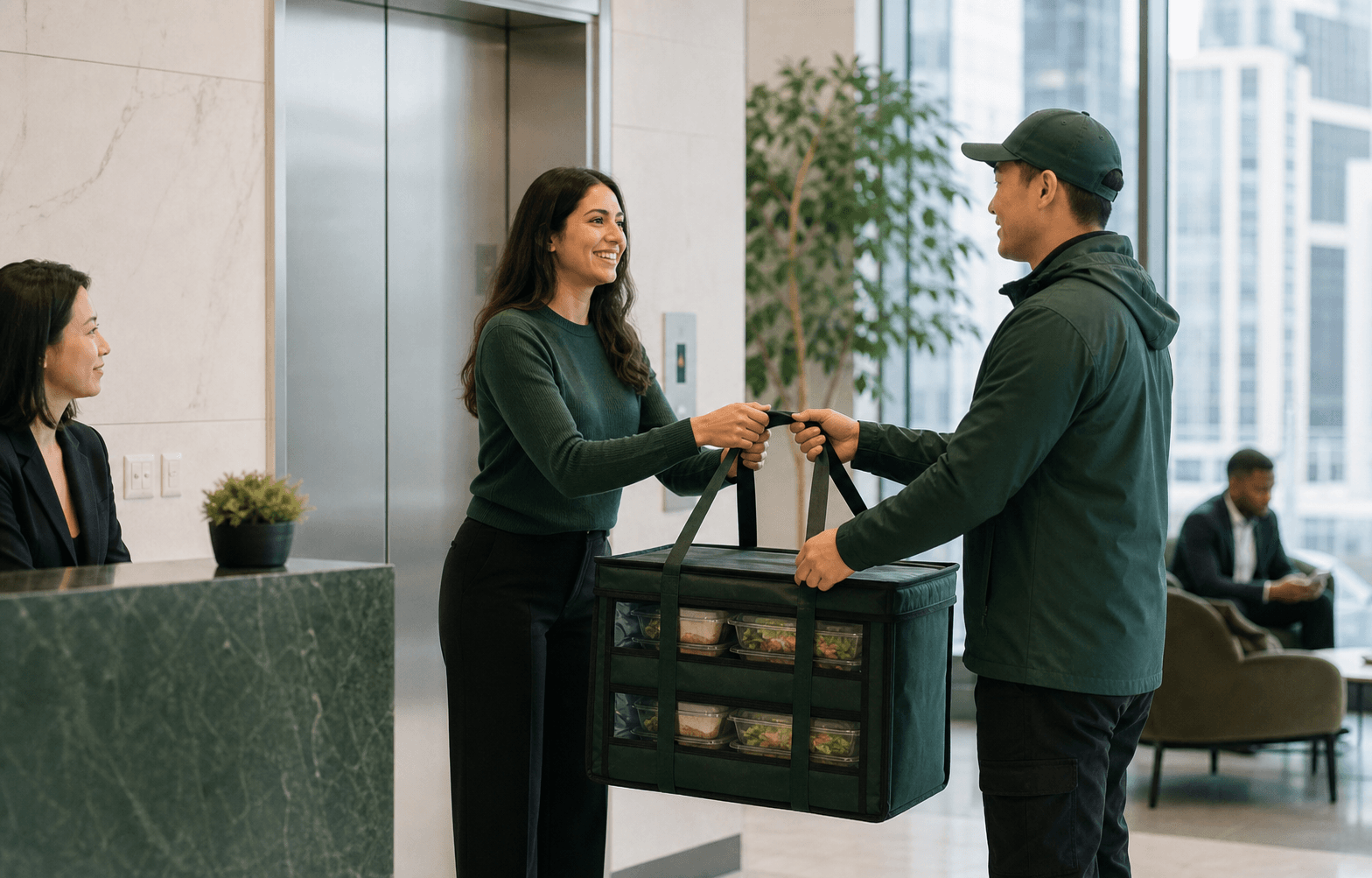
Ask the site which entrance will be usable at the requested time. A public entrance may be busy or a loading door may follow a different schedule. Confirm security, any loading appointment, floor access, a clear handoff point and a reachable backup contact.
Give those instructions to LunchLink before the final delivery plan is accepted. If a shopping centre or warehouse limits delivery windows, state the restriction as part of the request. Do not assume the driver can leave food with an unattended reception desk or find an alternative entrance.
Choose boxes or a hot lunch around the facilities
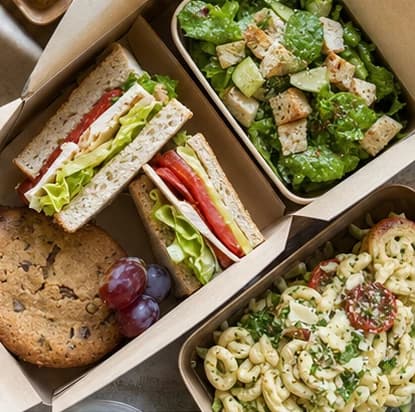
Individual boxes can make allocation and handout easier for staggered teams. Verify package contents, utensils, labels and whether there is suitable storage until each group eats. A sealed box by itself does not establish that a meal can be held for an entire shift.
For hot lunches, agree transport, arrival, receiving and holding arrangements with the selected partner. A shared buffet also needs serving space, utensils, an eating period and an assigned cleanup owner. Request separate deliveries when needed and confirm whether the route can support them.
| Confirm | Record in the brief | Owner |
|---|---|---|
| Holiday access | Entrance, security and available window | Workplace receiver |
| Meals | Menu, counts, labels and inclusions | Organizer and partner |
| Delivery | Accepted arrival time and any additional drops | LunchLink and partner |
| Distribution | Allocation and holding plan for every shift | Onsite meal coordinator |
Send the complete request before the deadline
LunchLink's seasonal policy requires at least 7 days before service. For December 26, that is December 19; begin 2–4 weeks earlier for 50+ people, multiple sites or complex service. The earlier planning window is especially useful when decision-makers will be away, but it does not reserve a kitchen or route.
Ask when counts and menu choices must be final, who accepts changes, and which terms apply after confirmation. If a request is late, ask what is currently possible rather than assuming the published holiday menu can still be delivered.
Send the completed brief through Boxing Day staff meal catering. For urgent alternatives, read the general same-day request conditions; seasonal availability still needs review.
The final checklist before service
Have the receiver work from the accepted order rather than the first email. A clearly named version avoids distributing meals against an old roster.
- Every working date and meal time confirmed
- Final shift totals and dietary selections reconciled
- Menu, packaging, labels and utensils confirmed
- Holiday entrance and receiving contact checked
- Each delivery window accepted in writing
- Storage, holding and handout responsibilities assigned
- Budget, delivery charges and tax scope recorded
- Change deadline, issue contact and backup receiver shared
Frequently asked
Questions workplace planners ask.
Submitting a brief asks LunchLink to review options. The menu, quantities, dietary handling, total price, delivery windows and onsite responsibilities require written confirmation before the arrangement is finalized.
No. Partner availability, menu, route, receiving access and the requested time must be reviewed and accepted in writing.
Use the date and time employees will receive a meal. Confirm the roster and receiving hours directly with the workplace.
Only if the menu and an appropriate storage or holding plan support that schedule. Discuss separate drops where needed and obtain confirmation for each window.
List every date, meal count, dietary allocation, receiving contact and requested window. Confirm menu and delivery details for each service.
Research and limitations
How this guide was prepared
This guide combines LunchLink's approved seasonal request policy with editorial planning examples. Counts and schedules are illustrative, not customer results or accepted delivery commitments. Menus, portions and handling arrangements require confirmation with the selected partner.
Important limits
- Examples do not establish menu, holiday or early-delivery availability.
- Meal names and labels do not establish dietary suitability; ingredients and cross-contact limitations require partner confirmation.
Sources reviewed
- Public holidays for 2026
Canada Revenue Agency · reviewed 2026-10-01
- Boxing Day staff meal request scope
LunchLink · reviewed 2026-10-01