LunchLink workplace meal planning
What to order for employees working Black Friday
Choose Black Friday staff meals around break length, seating, shift counts and receiving access, with a practical Toronto workplace catering brief.
LunchLink Editorial Team
Research and writing
Direct answer
The short answer
For employees working Black Friday, start with individually packed meals that fit the break, seating and facilities available. Wrap or sandwich meals can simplify handout; a hot boxed meal needs a defined arrival and eating window. Count each shift separately, include dietary meals within the total, and confirm packaging, utensils and delivery before ordering.
At a glance
Key takeaways
- Choose around the break before choosing a cuisine.
- Count later shifts and temporary staff explicitly.
- A requested early delivery or second drop needs written acceptance.
- Black Friday 2026 is November 27; Cyber Monday is November 30.
Choose a complete meal that fits the break
Begin with the break roster, not a list of favourite restaurants. A team with a short, staggered break needs a different handoff from a warehouse crew with a shared meal period. Record whether people can sit, wash their hands, refrigerate food or reheat a meal, then ask for menu options that fit those conditions.
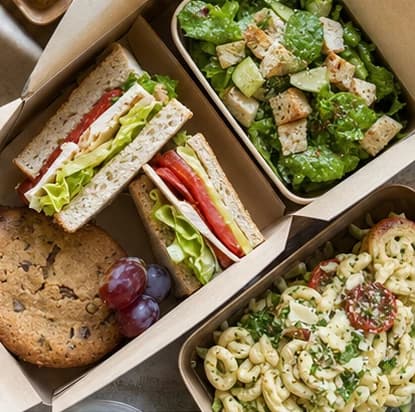
Confirm the entire box: main, sides, sauce packaging and any drink or dessert that is actually included. A familiar menu name does not tell you its portion size or whether utensils come with it. The following are format ideas, not a published package menu.
| Situation | Possible format | Check first |
|---|---|---|
| Short retail break | Individually packed wrap or sandwich meal | Portion, sides, sauces and storage requirements |
| Scheduled warehouse lunch | Hot boxed main with sides | Arrival, holding arrangements and eating window |
| No reheating facilities | Suitable ready-to-eat meal | Partner handling instructions and ingredients |
| A common break with serving space | Shared platters or a managed buffet | Service time, utensils, setup and cleanup |
Count the people who will actually eat
Use the roster for the service date, including confirmed seasonal employees, stockroom workers and support staff. Ask which people will receive more than one meal during an extended day. A person working two shifts is not automatically two lunches; count scheduled meal servings explicitly.
For an illustrative 60-meal lunch with 8 separately identified dietary meals, the allocation is 52 standard meals and 8 identified meals. Those 8 are part of 60. If the kitchen needs several dietary categories, reconcile the named selections so overlapping requirements are not counted twice.
- Confirmed meals by break or shift
- Dietary selections within each shift's total
- Separate dates for the weekend or Cyber Monday
- Any agreed contingency shown as its own line
- One approved final count and revision deadline
Make the receiving plan as specific as the menu
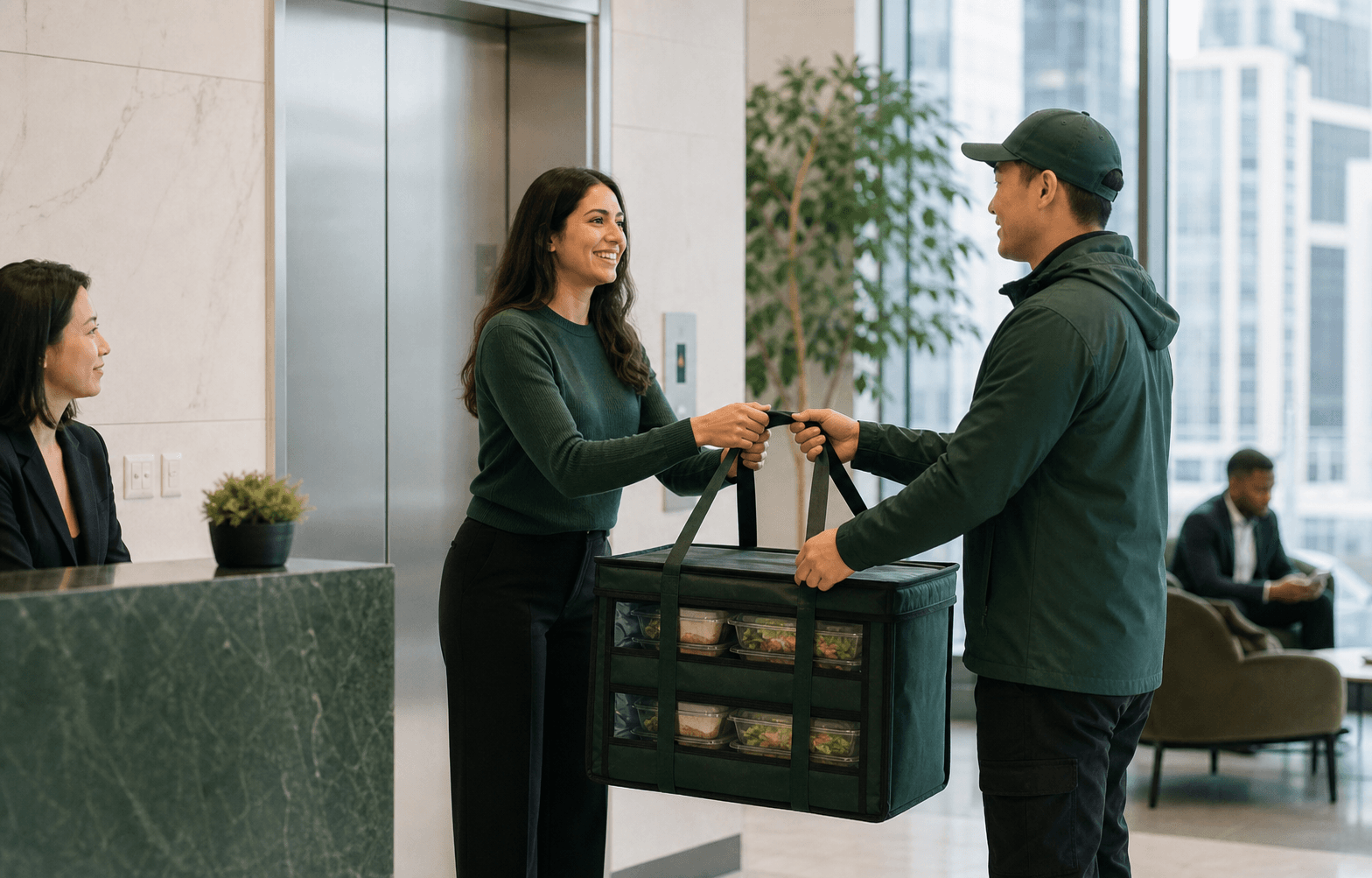
A busy shop floor is not necessarily the right delivery entrance. Give the full address, receiving door, security procedure, floor and contact who can leave their station to accept the order. Check whether a loading appointment is needed and whether receiving access changes before opening.
Request the arrival window you need, but wait for the partner to accept it. If breaks are widely separated, ask whether separate drops are practical. Do not plan to leave an early lunch unattended for later shifts; agree appropriate storage or holding and assign responsibility with the partner.
Protect later shifts and dietary allocations
Create one distribution list that the receiver can use without reconstructing the order. Agree the package identifiers with the kitchen and place each group's allocation at its intended handout point. Do not treat a general menu label as confirmation that a meal meets an allergy or other requirement.
Identify who contacts LunchLink if counts, labels or packaging differ from the accepted order. Record the issue before redistributing protected meals to another team. A spare standard lunch may not be a suitable substitute for a specifically confirmed dietary selection.
Work backward from November 27
Black Friday 2026 is Friday, November 27. LunchLink's seasonal policy requires a complete request at least 7 days before service, which makes November 20 the seven-day point. For 50+ guests, several sites or more complex service, begin 2–4 weeks earlier. These planning dates do not guarantee capacity.
State whether the request covers Friday only, the weekend, Cyber Monday on November 30, or several dates. Confirm each day's count and receiving contact separately. A general same-day request is not a promise that the seasonal plan can be arranged on short notice.
Use the Black Friday staff meal catering page to request options for the actual address, date and shift schedule.
Copy this Black Friday meal brief
Send the decision-maker and kitchen one consistent version of the request. Complete the operational fields before comparing quotes so the options cover the same service.
- Workplace and full delivery address: [details]
- Service dates and eating times: [list each]
- Meals per shift, including dietary allocations: [counts]
- Format and complete box contents: [preferences]
- Available seating, refrigeration or reheating: [details]
- Receiving door, access window and contact: [details]
- Budget scope, utensils and delivery requirements: [details]
- Final-count deadline and person approving the quote: [details]
Frequently asked
Questions workplace planners ask.
Submitting a brief asks LunchLink to review options. The menu, quantities, dietary handling, total price, delivery windows and onsite responsibilities require written confirmation before the arrangement is finalized.
They can simplify handout during short or staggered breaks. A buffet may suit a team eating together with enough serving time and space. Compare the actual break pattern and facilities.
Include each person's confirmed selection within the total meal count. Any additional contingency must be separately agreed; dietary categories can overlap and should not be added blindly.
Send the requested time, address, headcount and access instructions. Early delivery depends on the selected partner and route, and requires written confirmation.
Yes, the planning worksheet can cover several dates. List Cyber Monday separately and confirm its meal counts, menu, access and delivery window rather than copying Friday's order automatically.
Research and limitations
How this guide was prepared
This guide combines LunchLink's approved seasonal request policy with editorial planning examples. Counts and schedules are illustrative, not customer results or accepted delivery commitments. Menus, portions and handling arrangements require confirmation with the selected partner.
Important limits
- Examples do not establish menu, holiday or early-delivery availability.
- Meal names and labels do not establish dietary suitability; ingredients and cross-contact limitations require partner confirmation.
Sources reviewed
- Black Friday calendar
timeanddate.com · reviewed 2026-10-01
- LunchLink staff meal request scope
LunchLink · reviewed 2026-10-01